

Law Firm Workflow Automation: A Practical Guide
Most law firms do not lose time on the legal work itself. They lose it in the gaps around it: re-typing client details from an intake email into the practice management system, chasing signed engagement letters, copying deadlines from a court notice into three different calendars, and searching shared drives for the latest version of a document. Each step takes a few minutes, but across a team and a year it adds up to a significant share of non-billable hours.
Law firm workflow automation is about closing those gaps. Done well, it does not replace lawyers or legal judgement. It removes repetitive handoffs, reduces the risk of missed deadlines, and gives partners a clearer view of what is happening across matters. This guide walks through where automation fits in a typical firm, how to approach it step by step, and what to watch for around confidentiality, GDPR and AI.
What law firm workflow automation actually means
Workflow automation means defining a repeatable process once and letting software carry out the predictable parts of it every time. In a legal context, that usually involves three layers:
- Triggers – an event that starts the process, such as a new enquiry from the website, a signed engagement letter, an incoming court notice or a payment received.
- Rules – the logic that decides what happens next: which practice area, which responsible lawyer, which template, which deadline calculation.
- Actions – the work the system does: creating a matter, generating a document, scheduling a reminder, updating the CRM, sending a notification or filing a record.
The key point is that automation follows rules your firm already uses. If your intake process lives only in one senior associate’s head, the first job is to write it down. Automation makes good processes faster; it also makes unclear processes fail faster.
Where automation saves the most time in a law firm
Not every task is worth automating. The best candidates are frequent, rule-based and currently done by hand. In most firms these fall into a handful of areas.
Client intake and conflict checks
A typical intake involves a web form or email, a phone call, a conflict check, an engagement letter and the creation of a matter. Much of this can be connected. Form submissions can be routed straight into your CRM or practice management system with the right fields mapped, instead of being re-typed. We cover the mechanics of this in our guide to automating web form data routing.
Conflict checks can be partly automated by searching existing client, opposing party and related-entity records as soon as an enquiry arrives, then flagging potential matches for a lawyer to review. The final decision stays with a person; the search does not have to.
Phone enquiries deserve special attention. A call that goes unanswered during a hearing or after hours is often a client who calls the next firm on the list. An automated text-back and CRM entry for missed calls is a simple safeguard, described in detail in our article on missed call text back automation.
Document generation and assembly
Engagement letters, NDAs, powers of attorney, standard contracts and court forms follow predictable structures. Template-based document assembly pulls client and matter data from your system into approved templates, applies conditional clauses based on answers to a short questionnaire, and produces a draft ready for review.
This reduces copy-paste errors such as the wrong client name or outdated clause, and it keeps everyone working from the current, approved wording. Our step-by-step guide to automating contract generation explains how to structure templates and variables so the output stays reliable.
Deadlines, hearings and reminders
Missed limitation periods and filing deadlines are among the most serious risks a firm faces. Automation helps in two ways. First, deadline rules can be encoded so that entering a trigger date (service, judgement, notice) generates the dependent deadlines automatically. Second, those deadlines can sync to the calendars of the responsible lawyer and their assistant, with reminders at agreed intervals.
Calendar integration is also useful for client-facing scheduling: consultation booking links that respect each lawyer’s real availability, automatic confirmations and reminders before meetings.
Deadline automation should always include a human verification step. The system calculates and reminds; a lawyer confirms.
Time capture and billing
Unrecorded time is lost revenue. Automation can prompt lawyers to log time when a calendar event ends or a document is closed, pre-fill time entries from activity, and generate draft invoices at the end of a billing cycle. Approved invoices can then flow into your accounting software instead of being entered twice.
Document management and archiving
Consistent naming, automatic filing of emails and attachments into the right matter, retention rules that move closed matters to an archive after a defined period, and access controls tied to matter roles all reduce the time spent searching and the risk of the wrong person seeing a file.
Where AI fits – and where it does not
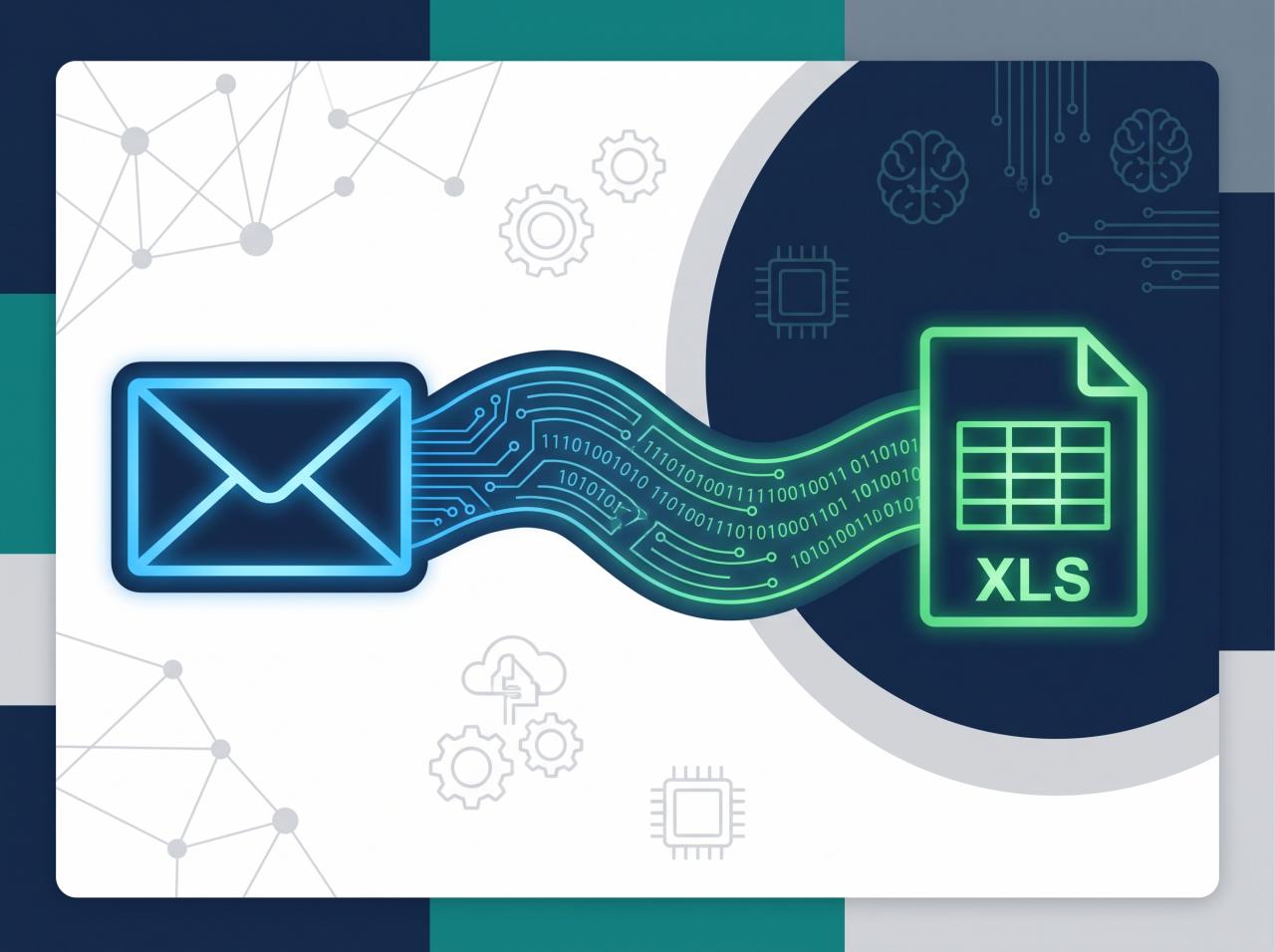
Large language models have made some legal tasks easier to support: summarising long documents, extracting key dates and parties from contracts, drafting first versions of routine correspondence, and classifying incoming emails by matter or urgency.
Used carefully, these tools are helpful assistants. But a law firm has to treat them differently from other businesses:





- Confidentiality. Client data must not be sent to services that may retain or train on it. Use providers and contracts that guarantee data is not used for training, and prefer EU hosting where possible.
- Accuracy. AI output can be confidently wrong, including invented citations. Every AI-assisted draft, summary or extraction needs review by a qualified person before it is relied on.
- Transparency. Clients and courts increasingly expect firms to know where and how AI is used in their work. Keep a register of AI tools, their purpose and who reviews their output.
- Regulation. The EU AI Act introduces obligations depending on how AI systems are used. Our EU AI Act compliance guide gives a practical overview for businesses.
A sensible rule: let AI prepare, let people decide.
A step-by-step approach to automating your firm
Firms that succeed with automation rarely start with a large platform project. They start small, prove value and expand.
1. Map one process end to end
Choose a single process that is frequent and painful – client intake is a common starting point. Write down every step, who does it, which system it touches and where information is re-typed or waits for someone. This map usually reveals the obvious wins.
2. Clean up the data first
Automation depends on consistent data. Agree on required fields for clients and matters, standard naming for documents, and a single source of truth for contact details. Duplicate client records will undermine conflict checks and reporting.
3. Decide on build, buy or integrate
Many practice management systems already include intake forms, templates and deadline tools. Before building anything, check what your current software can do and whether it offers an API. Custom development makes sense when you need to connect systems that do not talk to each other, encode firm-specific rules, or handle a workflow that off-the-shelf tools do not support.
4. Automate one step at a time
Start with the step that has the clearest rules, such as routing a web enquiry into the CRM. Run it alongside the manual process for a short period, compare results, then switch over. Add the next step only when the first is stable.
5. Build in human checkpoints
Mark the points where a person must review or approve: conflict decisions, final documents, deadline confirmations, anything sent to a court or opposing party. Automation should make these checkpoints easier, not remove them.
6. Secure access properly
Use multi-factor authentication on every system that holds client data, role-based permissions so people see only the matters they work on, and audit logs that record who accessed or changed what. Integrations should use dedicated service accounts with the minimum permissions required.
7. Measure and review
Define what success looks like before you start – for example, time from enquiry to engagement letter, or number of manual data entries per new matter – and check it regularly. Review automations whenever a process, template or regulation changes.
GDPR and professional secrecy considerations
Law firms process sensitive personal data and information covered by professional secrecy, so automation design must account for both from the start:
- Data minimisation. Collect only what each workflow needs. An intake form does not need every detail of a dispute.
- Lawful basis and records. Document the purpose of each automated process in your records of processing activities.
- Processors and transfers. Every external service in a workflow is a processor. Have data processing agreements in place and know where data is stored, especially for transfers outside the EU.
- Retention. Encode retention periods so closed matters are archived and eventually deleted according to your policy and professional rules.
- Security by design. Encrypt data in transit and at rest, restrict access, and log activity.
If you are unsure whether a particular tool or integration is appropriate, involve your data protection officer or compliance lead before rollout, not after.
Frequently asked questions
Is workflow automation only worth it for large law firms?
No. Small and mid-sized firms often benefit more, because each lawyer handles more administrative work personally. Starting with one high-frequency process, such as intake or document generation, keeps the investment modest and the benefit visible.
Can automation handle conflict checks completely?
Automation can run the search across your records instantly and highlight potential matches, but the decision on whether a conflict exists should always be made by a lawyer. Treat the system as a fast, consistent first pass.
Is it safe to use AI tools with client documents?
It can be, provided the tool’s terms guarantee that your data is not used for training, the data is processed in an appropriate jurisdiction, access is controlled, and every output is reviewed by a qualified person. Avoid consumer AI tools for confidential material.
Do we need to replace our practice management software?
Usually not. Many improvements come from connecting the systems you already use – CRM, calendar, document management, accounting – through their APIs. Replacement only makes sense if your current system cannot be integrated or no longer fits how the firm works.
Next steps
Law firm workflow automation works best as a series of small, well-defined improvements rather than one large transformation. Pick one process, map it, clean the data, automate the clearest step and keep a lawyer in the loop wherever judgement is needed.
If you would like help mapping your firm’s processes or connecting the systems you already use, TOOL1 builds custom automations, integrations and secure business software for professional services firms.






Leave a Reply
Want to join the discussion?Feel free to contribute!
Join the Discussion
To prevent spam and maintain a high-quality community, please log in or register to post a comment.